
Home / Features / Stream Manager
Stream Manager
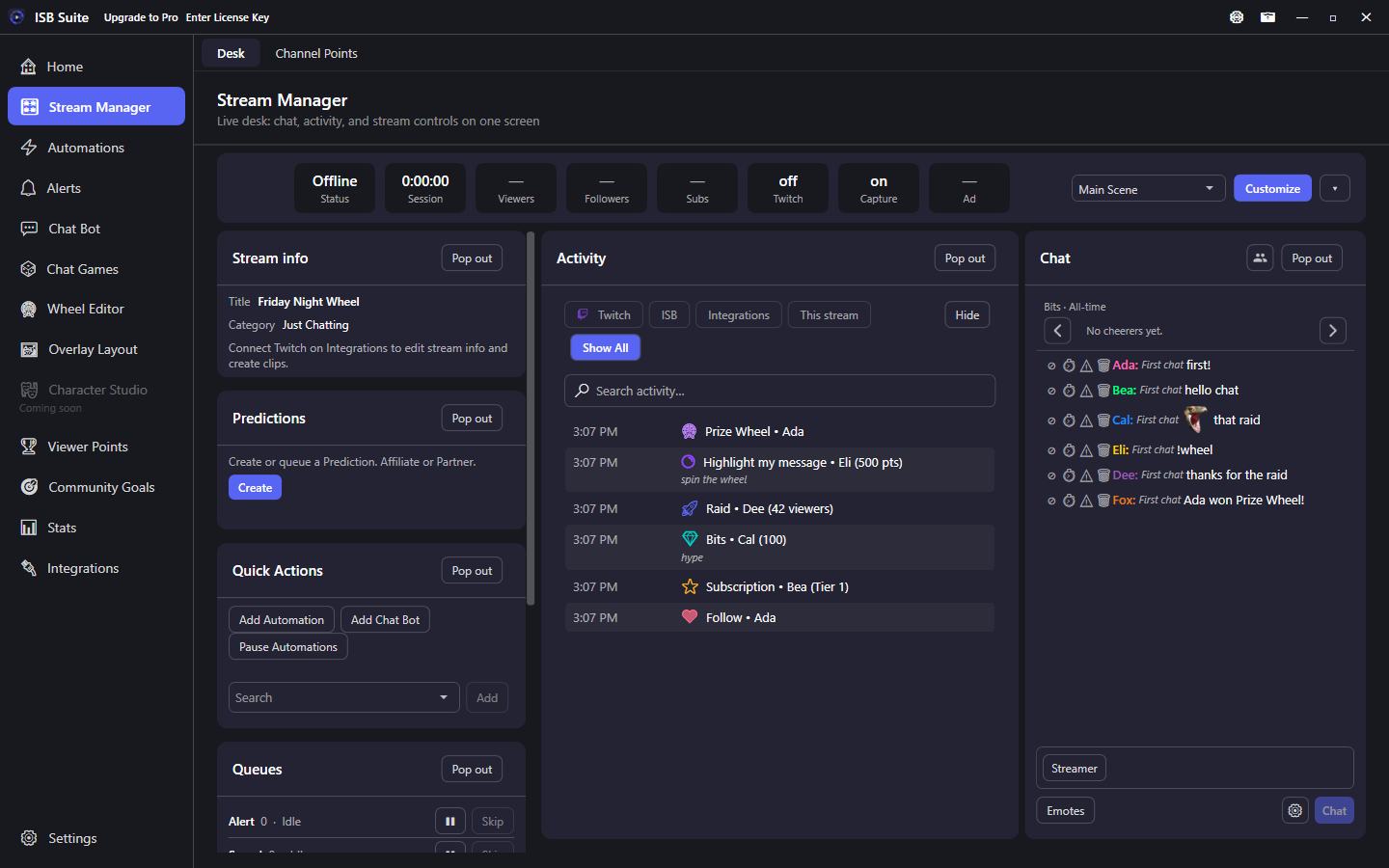
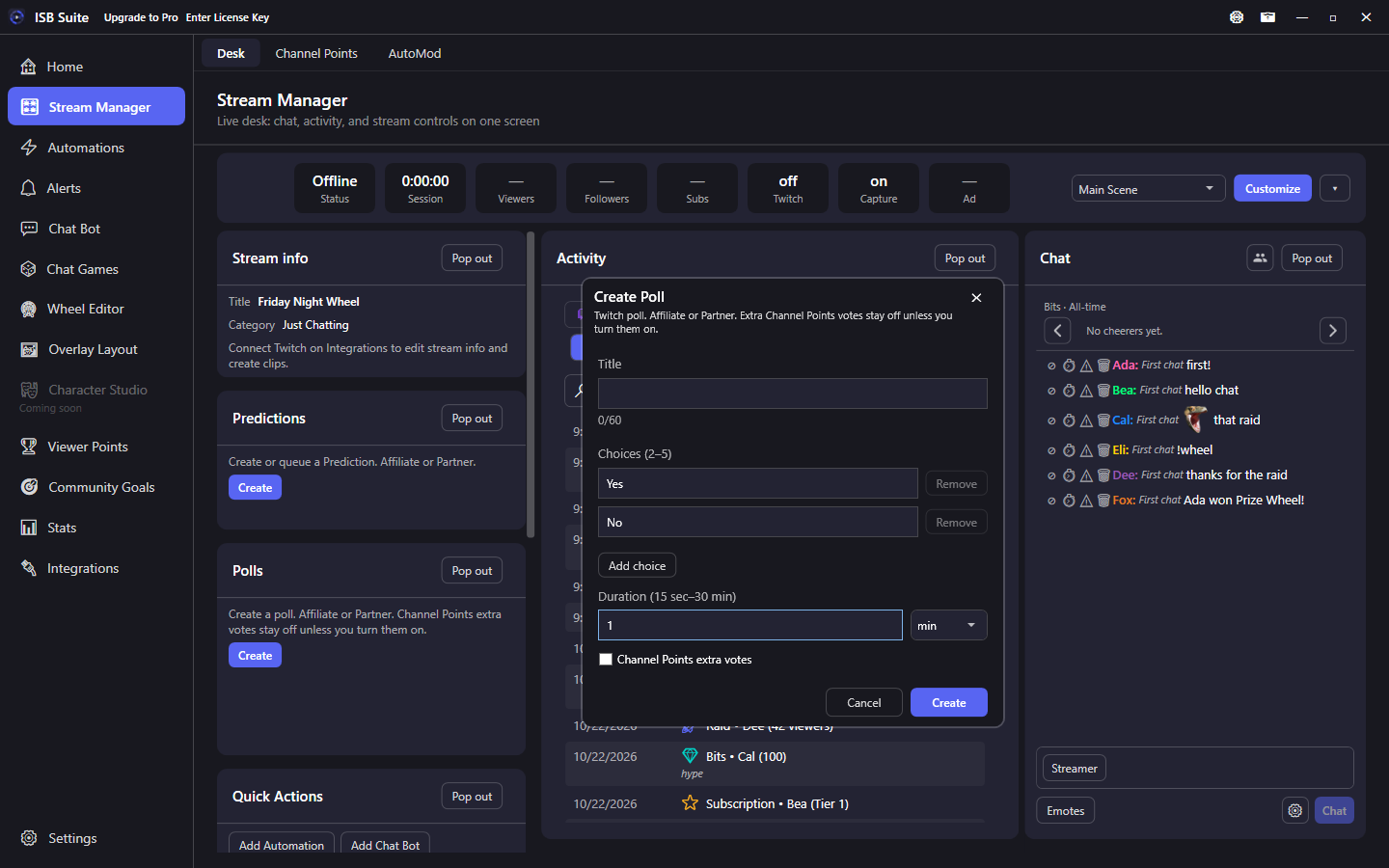
The live desk: stream info, Predictions, Create Clip, Activity, Channel Points, AutoMod, and chat. There is no separate Stream page. Open a card for that tile or tab.
At a glance
- Nav rail: Stream Manager (Desk, Channel Points, and AutoMod).
- Desk tiles: Stream info, Predictions, Polls, Quick Actions, Queues, Activity, and Chat. Point Drop and other tiles appear when you use those features.
- Pop out on a tile header opens that live card in a separate window (second monitor). The desk slot shrinks to Bring to front and Dock back so other tiles can use the space. Several cards can be out at once. Pop-outs stay open when you minimize the main window.
- Channel Points and AutoMod are their own tabs on this page.
- Connect Twitch on Integrations first (clip, broadcast, Predictions, Channel Points, and chat message management).
Desk and tabs
Open a card for how that tile or tab works. Queues and Point Drop already have their own feature pages. Use Pop out on a visible tile to move that same card to another window; Dock back to return it. Minimizing ISB Suite leaves those windows up.
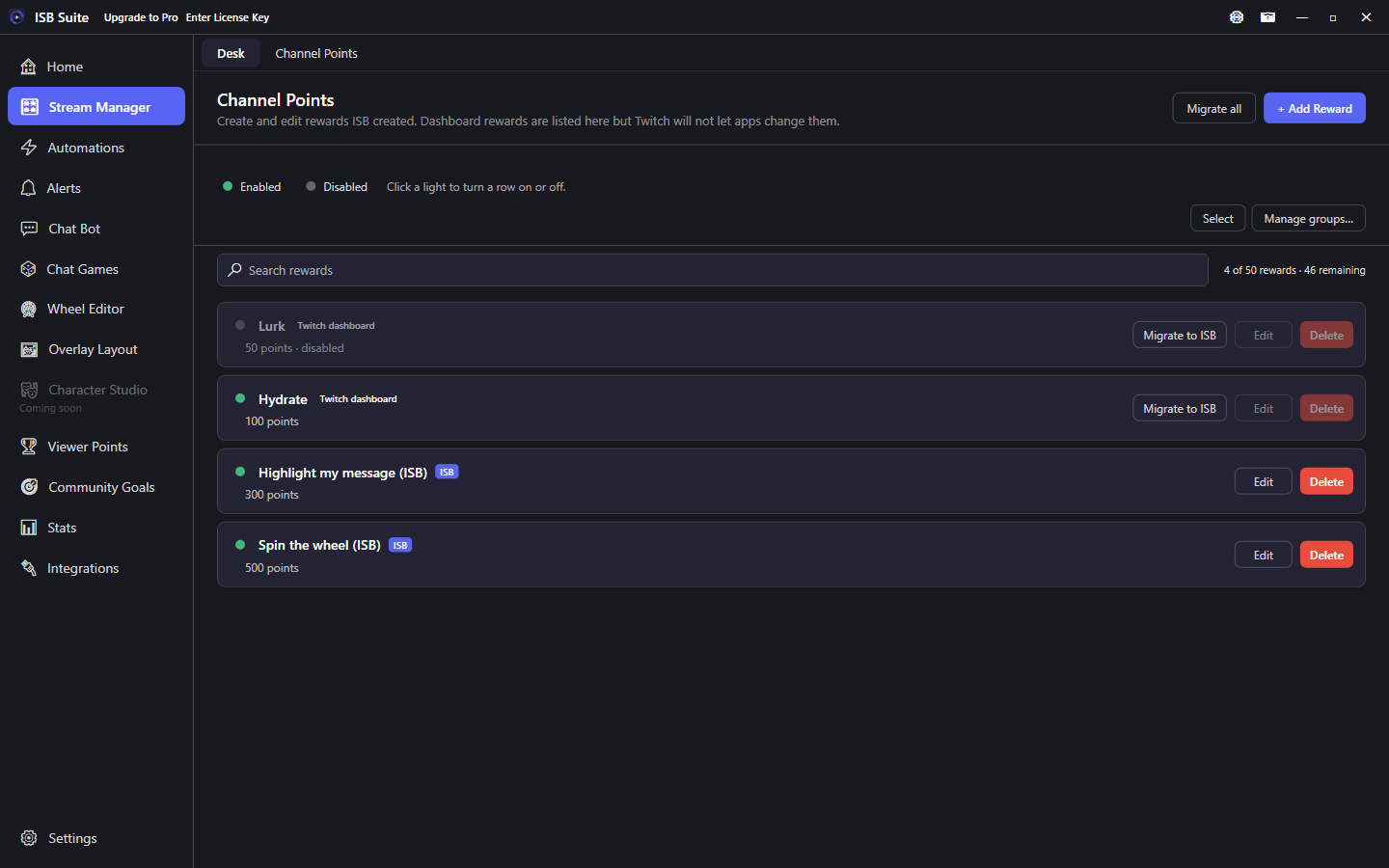
Channel Points
List, create, pause, and migrate rewards.
AutoMod
Delete keyword hits and links that are not allowed.
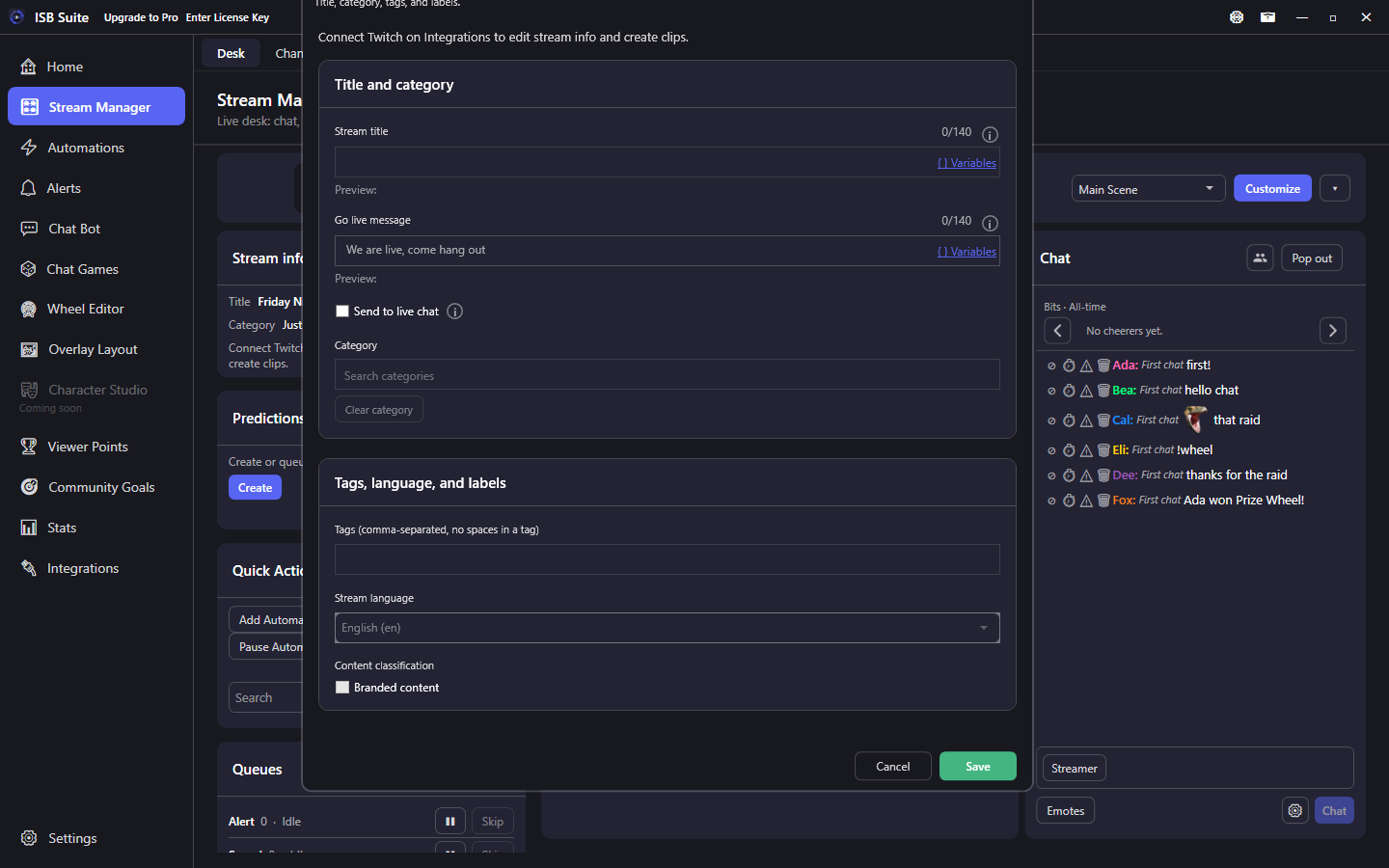
Stream info
Title, category, tags, go-live line, and Create Clip.
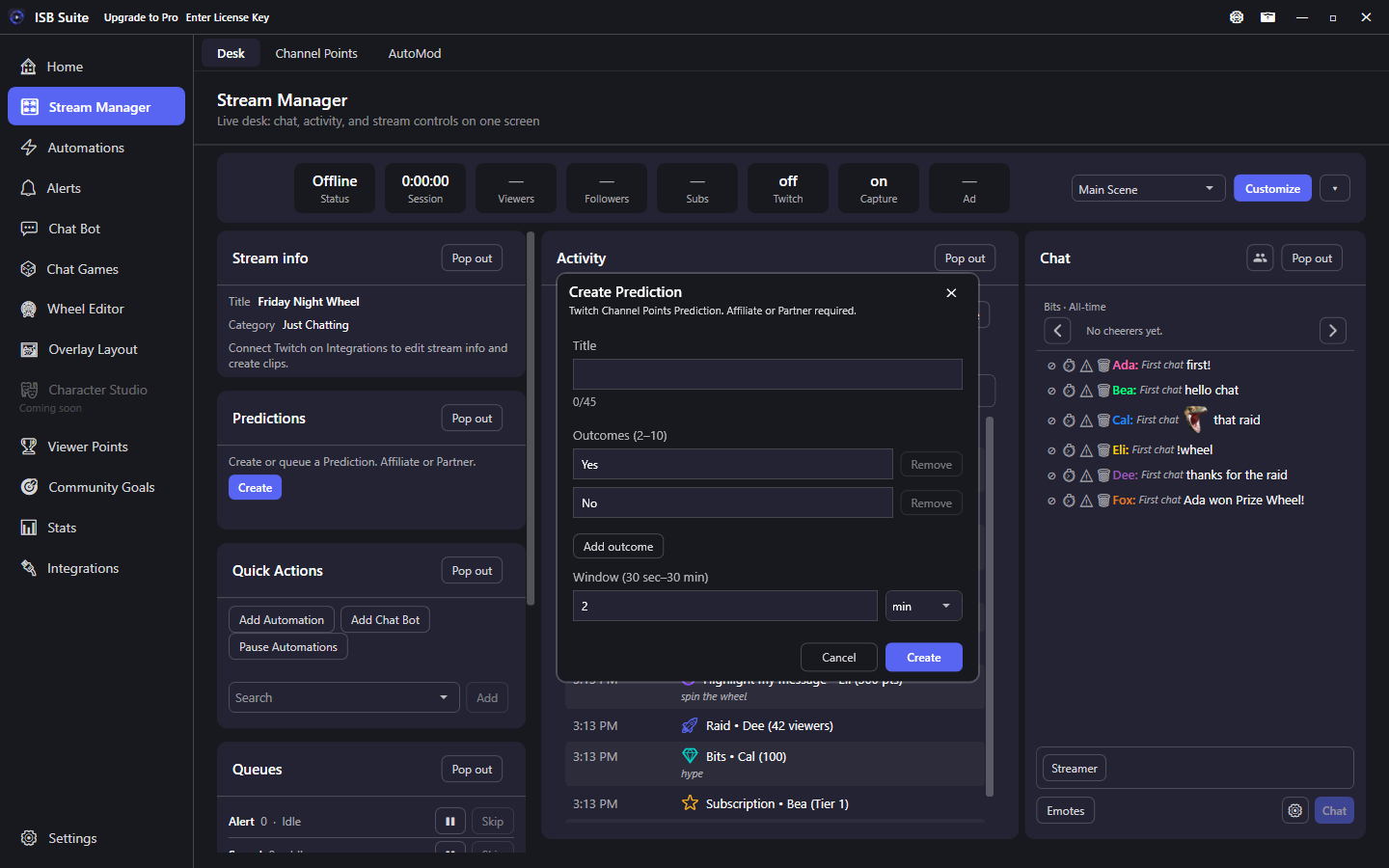
Predictions
Create, resolve, or queue the next Channel Points Prediction from the desk.
Polls
Create or queue a Twitch poll, then End or Cancel the live one from the desk.
Activity
Follows, subs, bits, redeems, and ISB outcomes.
Chat
Transcript, viewers, Bits and Gifted boards.
Quick Actions
Add Automation, Add Chat Bot, Pause Automations.
Queues
Click a row to inspect Alert, Sound, Wheel, Giveaway, or Chat game.
Point Drop
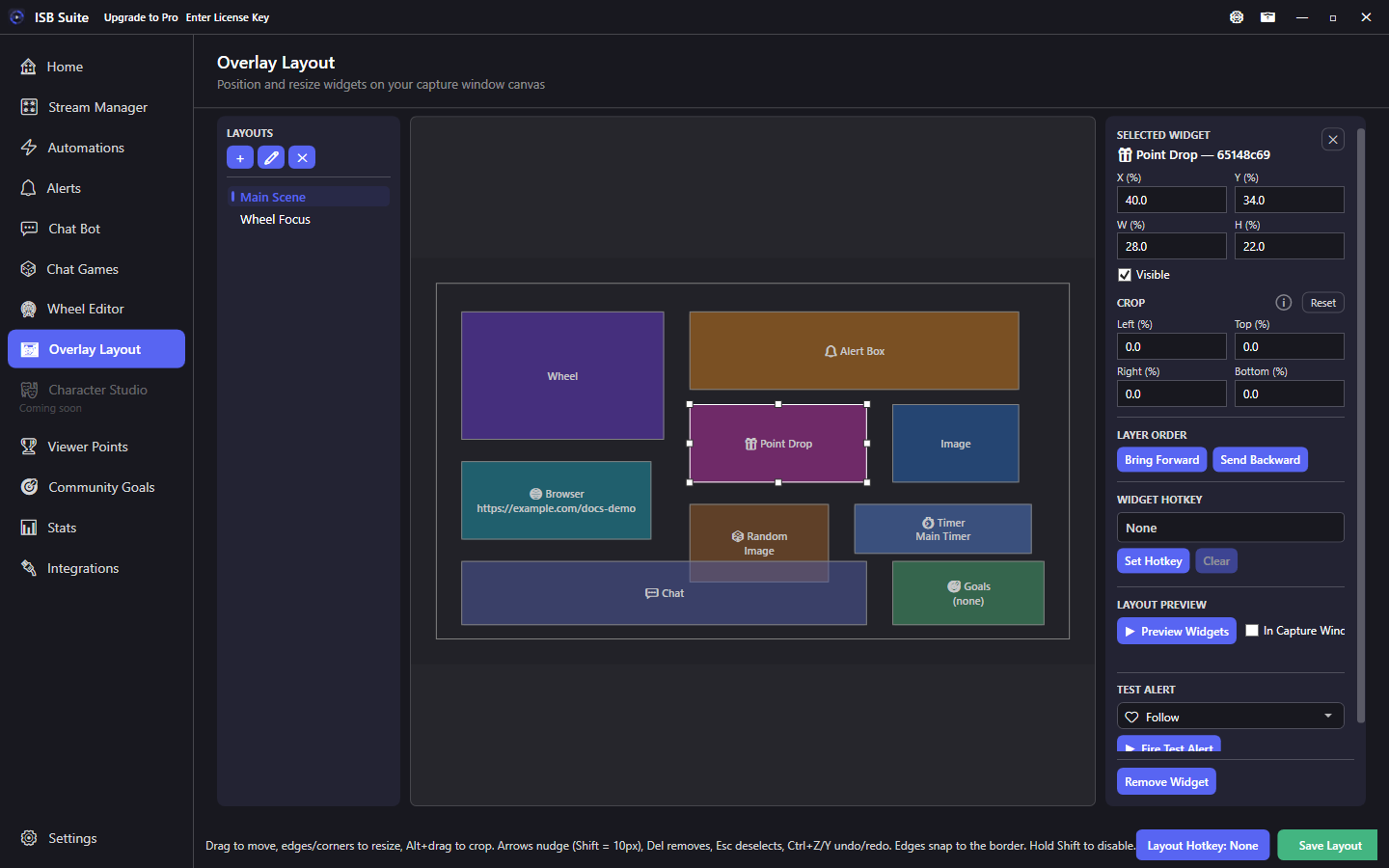
Spawn and watch drops from the desk tile.
Setup
- Connect Twitch on Integrations. Grant clip, broadcast, Predictions, Channel Points, and chat message management when prompted. Re-sign in if those features are still missing.
- Open Stream Manager. Title and category load on the Stream info tile. Create or resolve a Prediction from the Predictions tile. Create, End, or Cancel a poll from the Polls tile.
- Use Desk for chat, Activity, and Quick Actions. Use the Channel Points tab to manage rewards. Use the AutoMod tab to delete keyword hits and links that are not allowed.