
Home / Features / Stream Manager / Quick Actions
Quick Actions
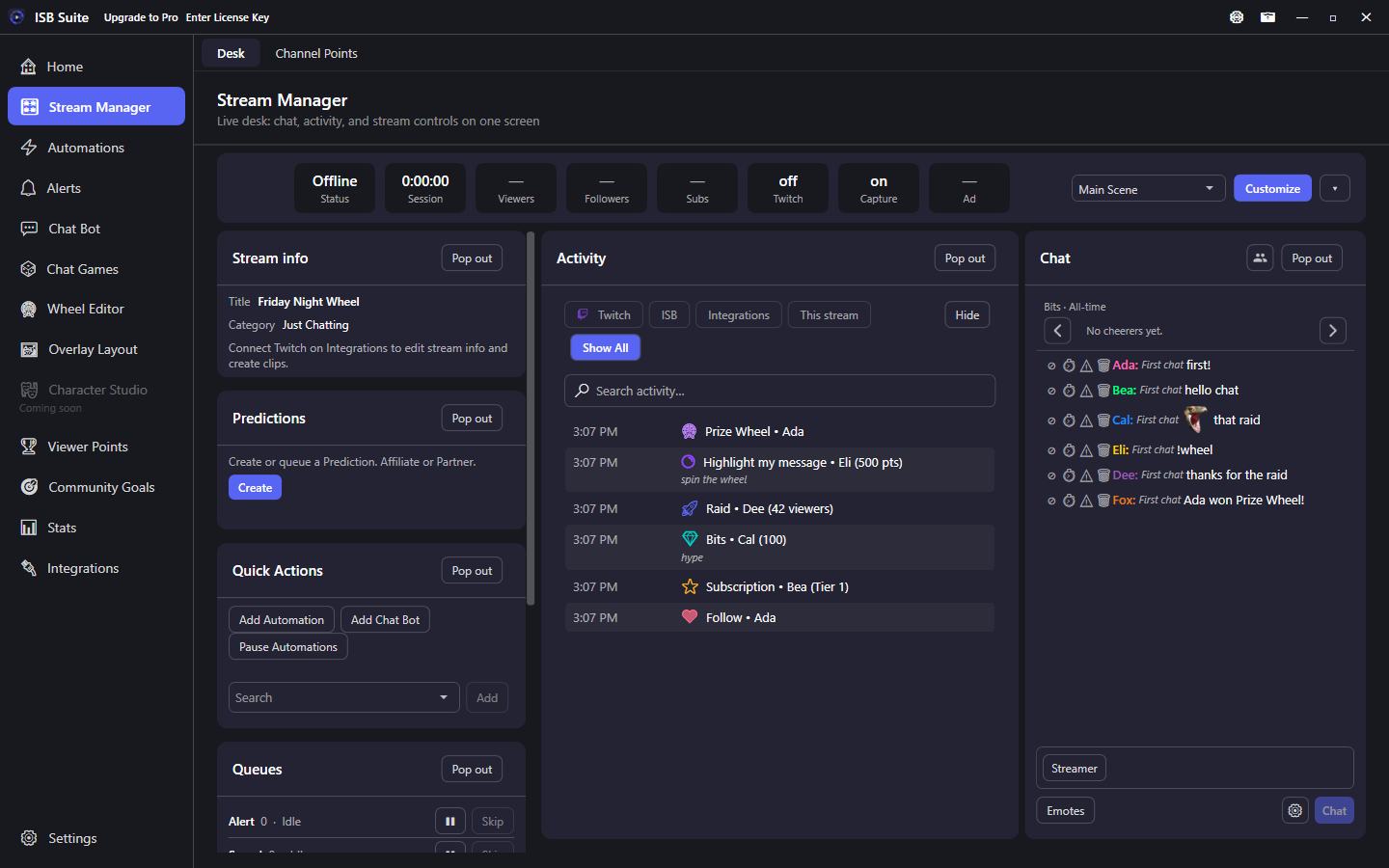
Quick Actions is a desk tile for Add Automation, Add Chat Bot, and a master Pause Automations switch. You can add a few of your own rules as one-tap buttons.
At a glance
- Built-in jumps: Add Automation and Add Chat Bot only.
- Pause Automations is a master switch: enabled rules stop firing. Rules you already turned off stay off. Enable lights do not flip.
- Channel Points and AutoMod are Stream Manager tabs, not Quick Actions.
Jumps
Add Automation and Add Chat Bot open those pages on their Add tab. Overlay Layout, Alerts, and Channel Points are not Quick Action jumps.
Pause Automations
The red Pause Automations button stops enabled rules from firing. Already-off rules stay off. Resume turns the master switch back on. There is no extra banner; the button is the control.
Your rules
Search and Add to pin a rule as a one-tap button on this tile (capped). Customize Reset restores tile placement, not the buttons you added.