
Home / Features / Queues and Giveaways
Queues and Giveaways
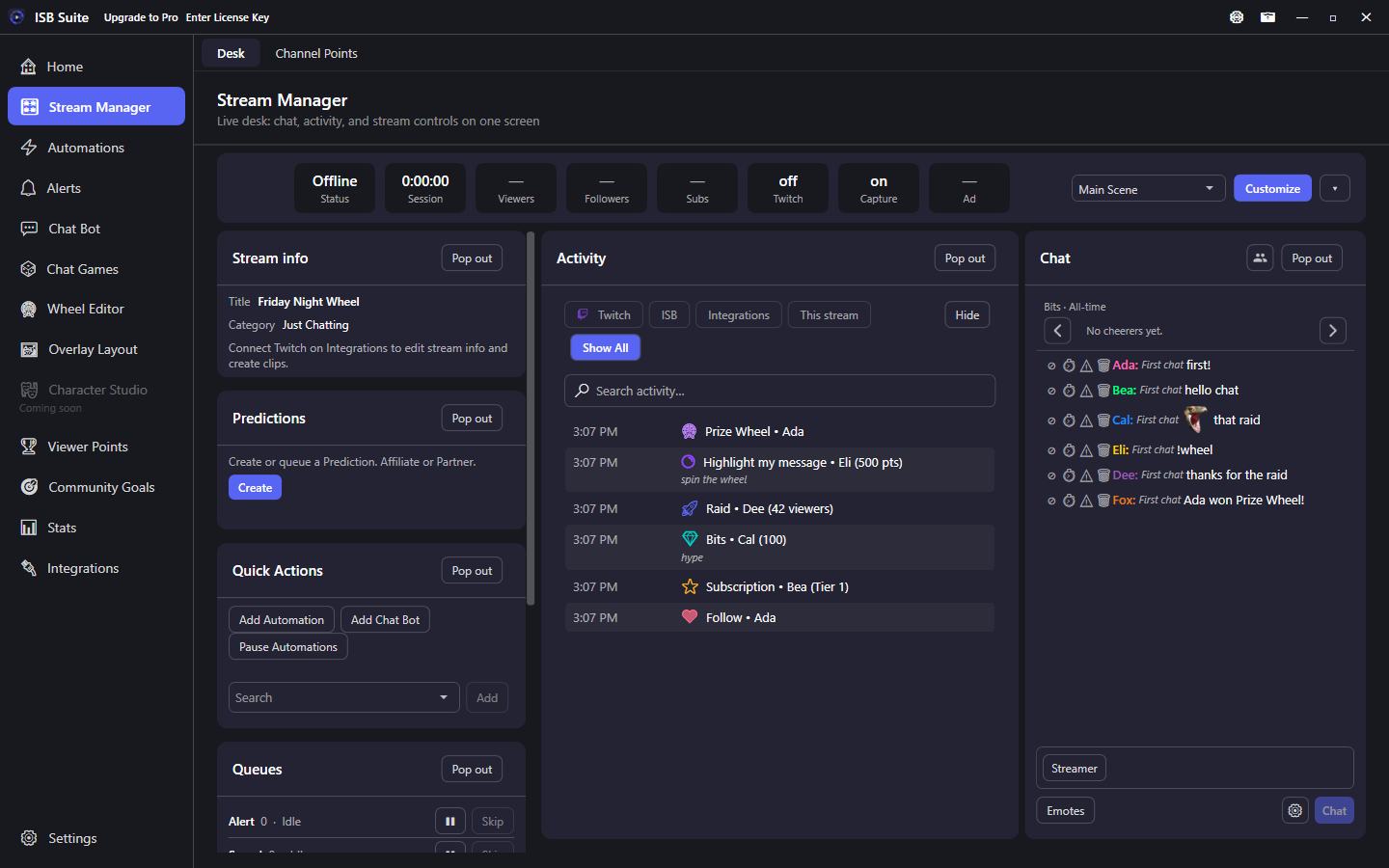
Alert, Sound, Wheel, Giveaway, and Chat game queues live on the Stream Manager Queues tile. Click a row to inspect the lineup. Giveaways are timed viewer-entry rounds that auto-spin a wheel.
At a glance
- Stream Manager Queues tile: click Alert, Sound, Wheel, Giveaway, or Chat game to list what is queued.
- Each queue: Pause, Skip, Clear. Wheel waiting items can be removed from the popup.
- Click an active giveaway in the popup to inspect joiners, remove entries, and watch remaining join time.
- Next giveaway join phase opens only after winner chat and TTS finish (about 1 second gap), including empty rounds.
- Start Giveaway from Automations or Viewer Points shop items.
- Related: Wheel, Viewer Points, Stream Manager.
The queues
- Wheel Queue: pending wheel loads and spins from automations, commands, or shop redemptions. Items show the triggering chatter when known (channel-point redeem, chat command, or automation).
- Sound Queue: audio waiting to play. Sounds linked to a wheel play at spin time instead of the general queue. Clear removes waiting clips and does not stop the one already playing.
- Giveaway Queue: active and pending giveaways. The current giveaway runs at the top. Click it to inspect who has joined, remove people from the pool, and see remaining join time. Close without Save discards staged removals. The next join phase waits for winner chat and TTS (~1 second gap), including when a giveaway expires with no entries.
- Alert Queue: on-screen alerts waiting for the Alert Box, played one at a time. Labels show the chatter when known: bits and resub amounts, and gift-sub gifter to recipient on per-recipient gifts (community bombs stay gifter x count). Clear keeps the alert already on screen.
- Chat game: on the Stream Manager Queues tile. Pause, skip, and clear are there. The Chat Games page starts games and does not list the queue.
The Stream Manager tile keeps Pause and Skip on each row. A long lineup opens on the first page. Load more shows the rest, and search finds a name. Giveaway Queue Skip discards the active giveaway without spinning or announcing a winner; the next queued giveaway still opens after the usual gap.
Giveaway system
Run timed viewer-entry giveaways from automations or viewer point shop items:
- Chatters enter via a configurable command (default
!giveaway). - Click the active giveaway in the Stream Manager lineup popup to review joiners and remaining time. Save commits removals; removed chatters can re-join.
- Auto-spins the wheel after a configurable duration (seconds, minutes, or hours).
- Configurable open / already-joined / winner chat announcements.
- Duplicate-entry protection with per-user cooldown on the already-joined reply.
- Counters are optional. (No counter) pays nothing and saves nothing. Winner reward, on the card, adds its amount only to the winner (use a Viewer Points counter to pay that currency). Under Advanced, Join counter and Win counter each add 1. A repeat join command does not count again. A re-join after removal does. A win counts when the wheel lands and is separate from the reward. Who redeemed the giveaway is a Counter Action on the same rule. Full rules: Start Giveaway Session - Counters. The numbers show on Stats, in CSV export, and in
{counter:Name}.
Countdown warnings
Under Advanced settings: editable reminder message plus custom remaining-time offsets (seconds, minutes, or hours). Offsets at or beyond the giveaway length are skipped. Use {timeLeft} and {duration} in reminder text. Same style as chat-game and Ad Break pre-warnings.