
Chat Games
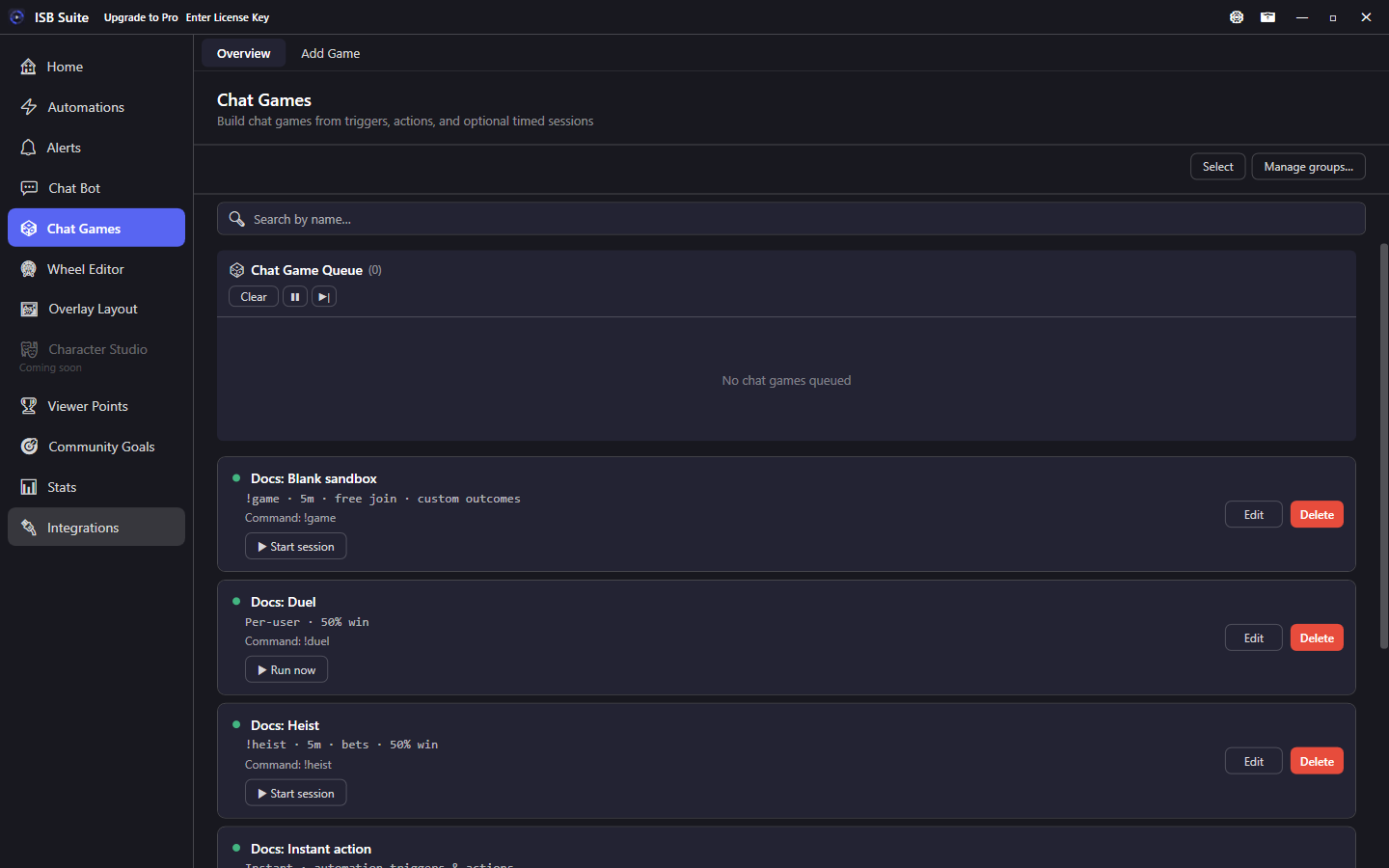
Mass entry chat games where viewers join from chat, stake a counter value, and get independent or shared outcomes. Each preset has its own setup page with options, phases, and example recipes.
Leaving Add/Edit Game with unsaved changes shows Save, Don't Save, or Cancel. Opening a game and leaving without edits does not prompt. Form Cancel discards without asking.
At a glance
- Free: 5 chat games (stake counters and other features still follow their Free limits). Full table on Free and Pro.
- Presets: Heist, Lottery, Duel, Solo Gamble, Percentile roll, Blank sandbox, Instant action.
- Join and start commands support aliases and Match anywhere. Phases use the same Actions editor as Automations.
- With Twitch and YouTube both connected, Run on checkboxes limit that game to one chat. When both are checked, phase Send Message can post in both chats. Off posts where the run started. See YouTube.
- Variables: Message variables - Chat Games.
- Export on a game card and Import Package share a setup. See Share a setup.
Presets
Open a card for how that preset works, field options, phases, and use cases.
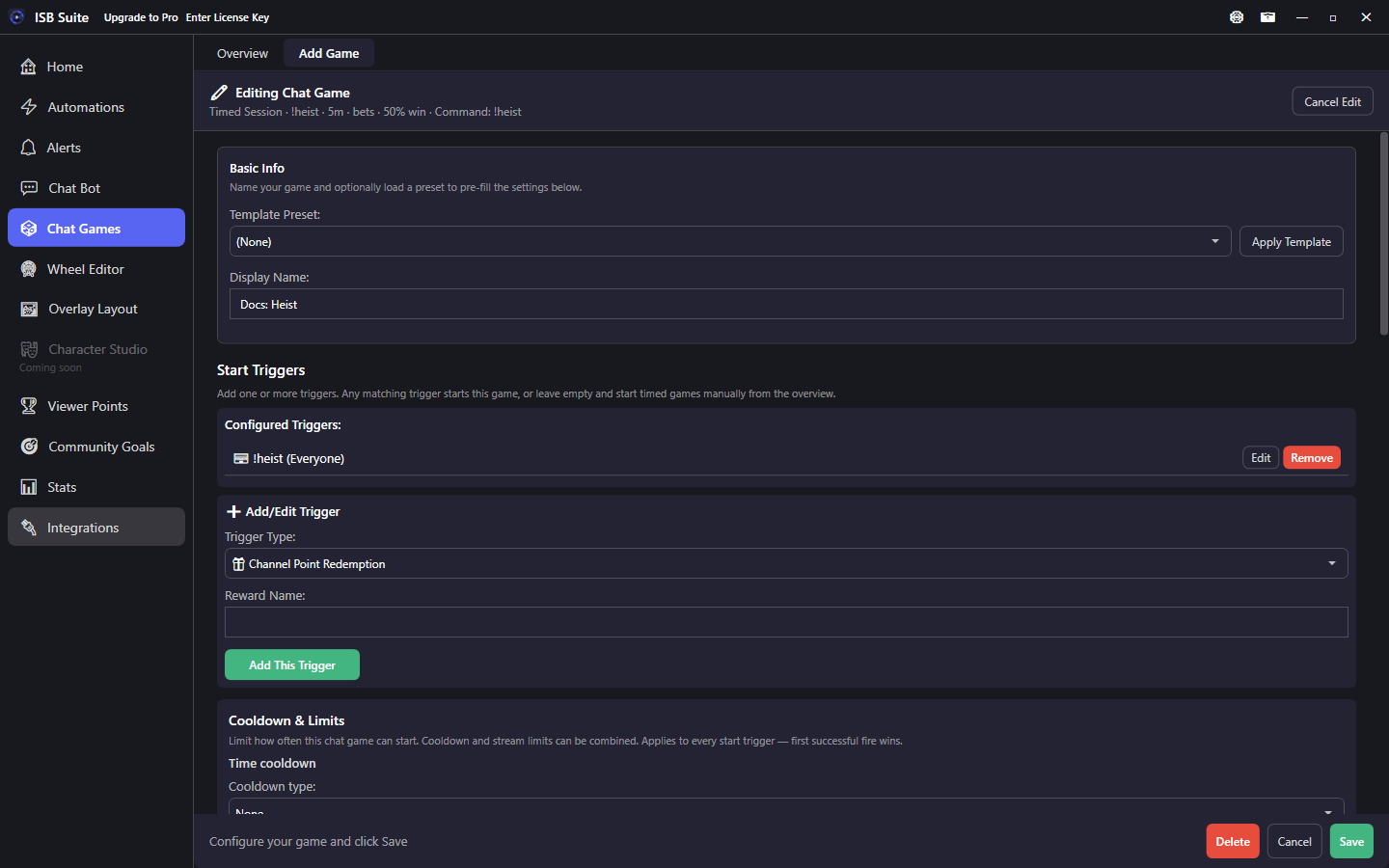
Heist
Timed window; variable bets; independent rolls; winners multiply stake.
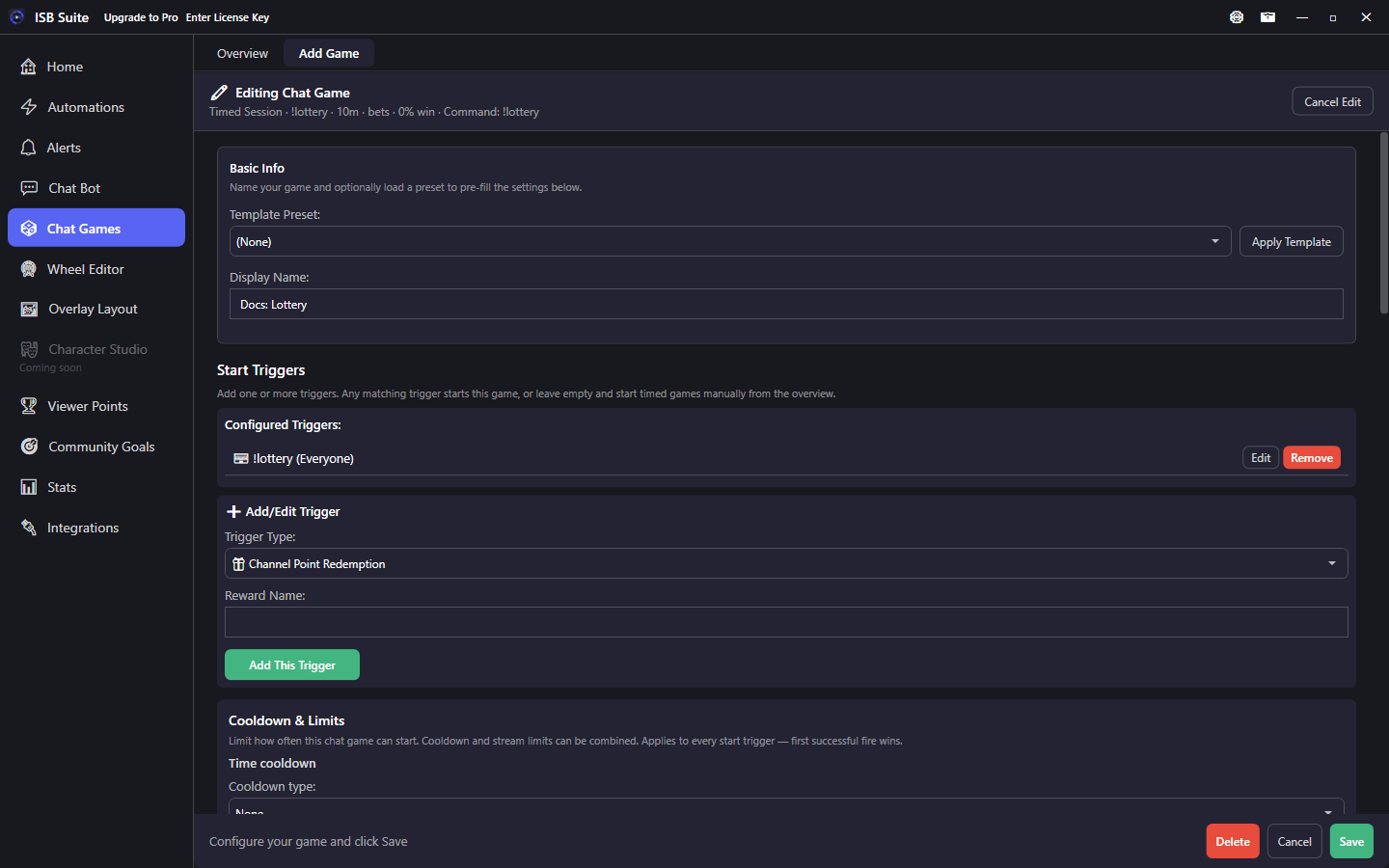
Lottery
Fixed fee; one winner takes the pool.
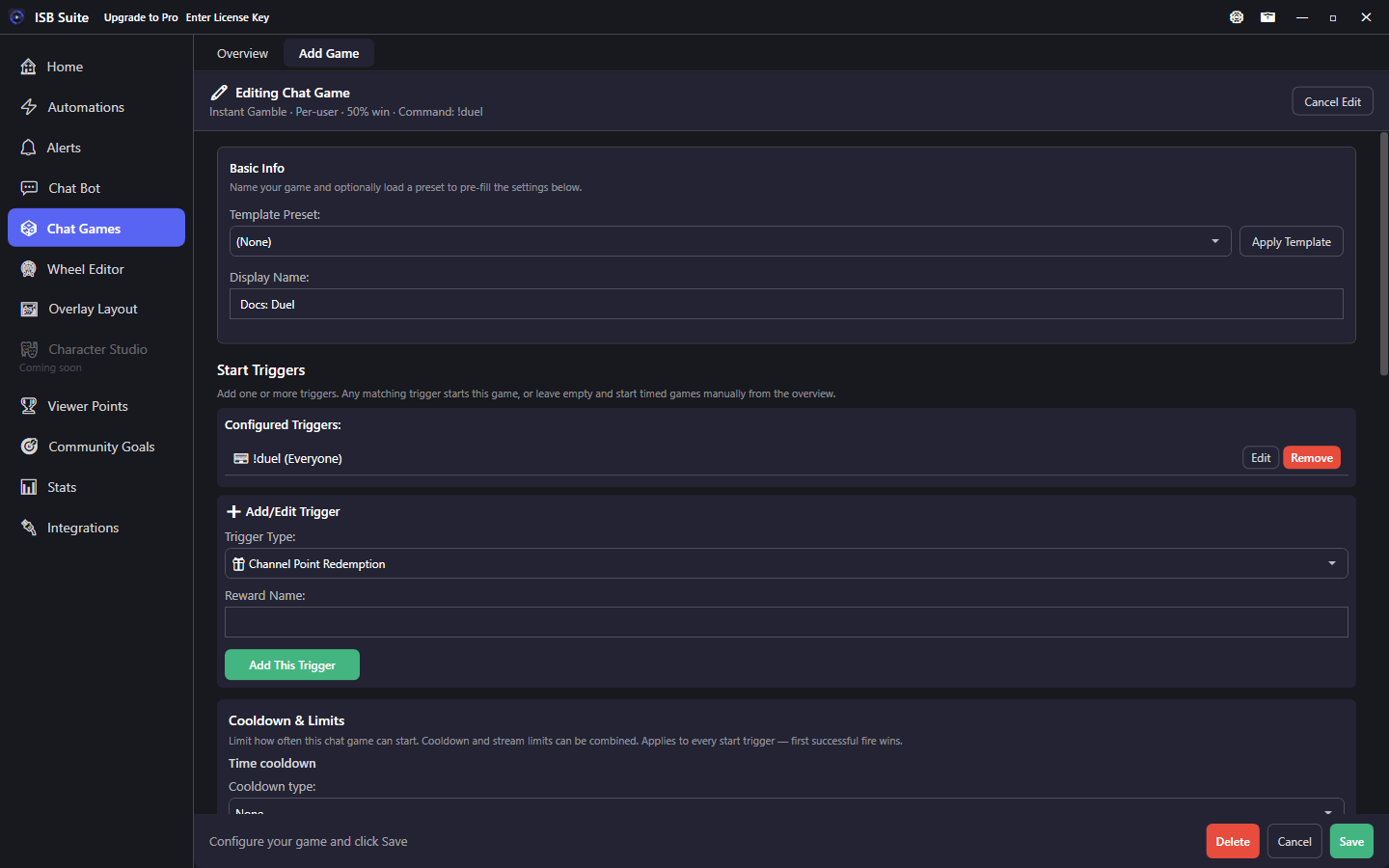
Duel
Challenge another viewer; accept or decline; 50/50 stake transfer.
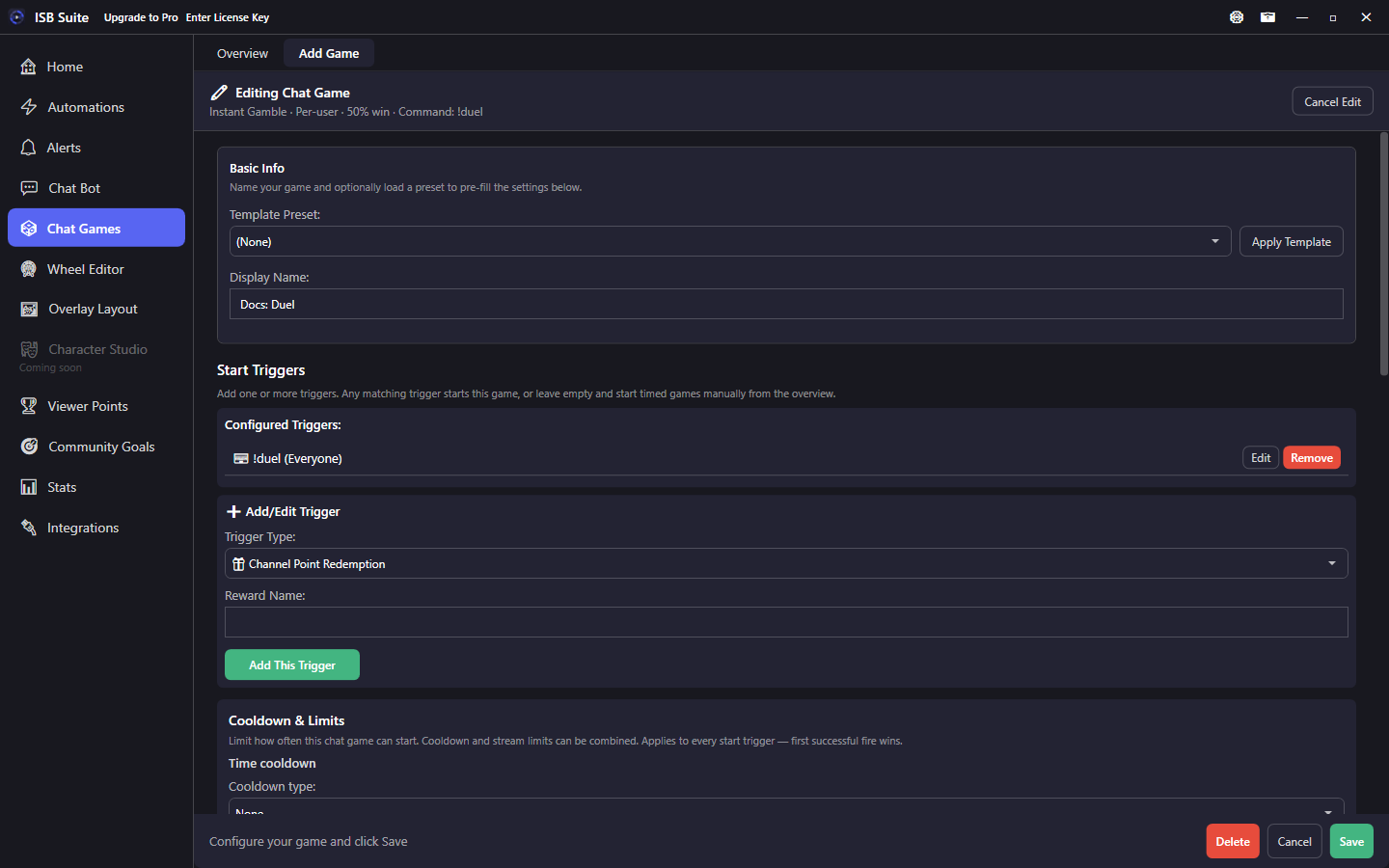
Solo Gamble
Per-viewer win/lose phases with configurable chance.
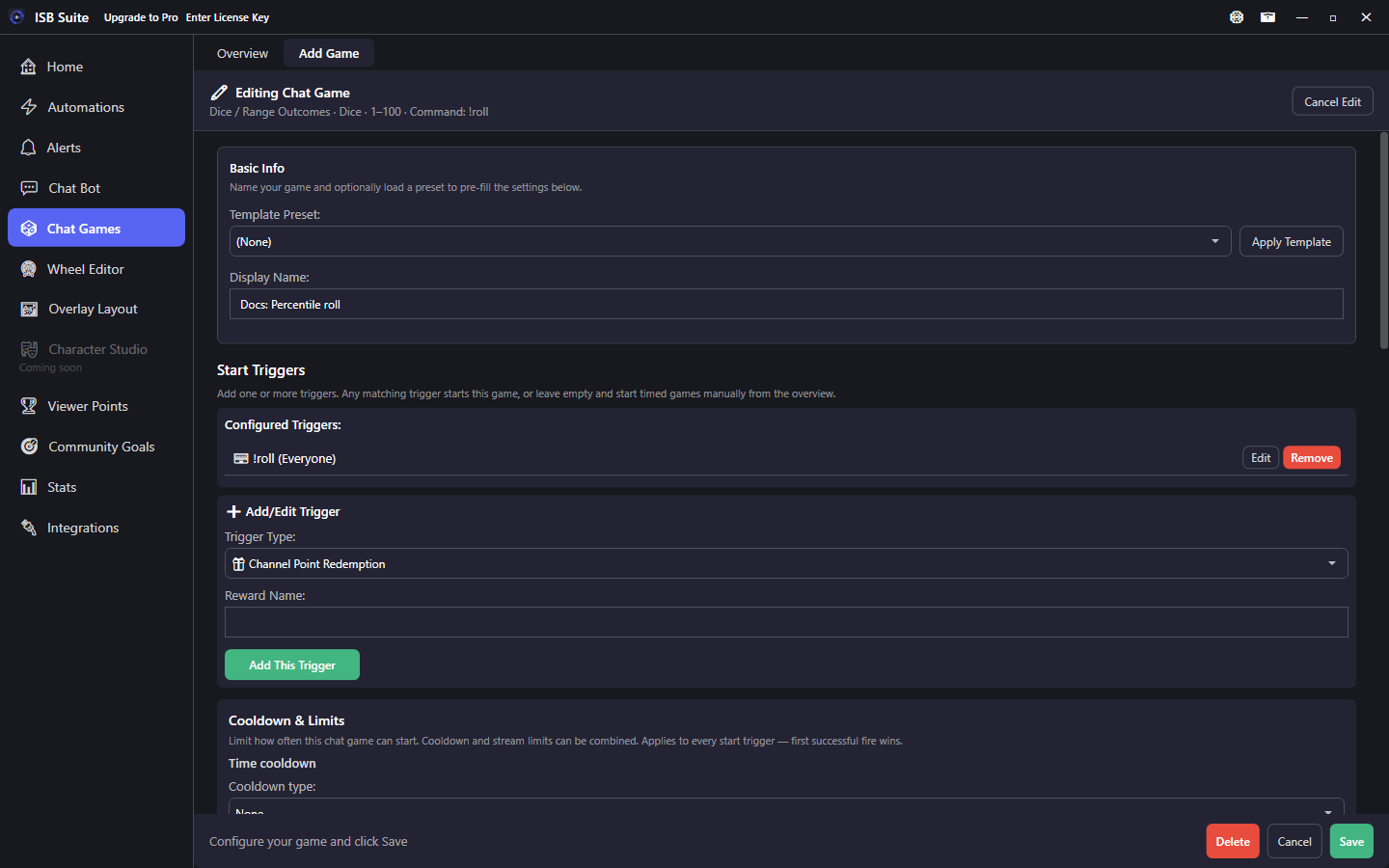
Percentile roll
Dice / range bands with per-band Actions.
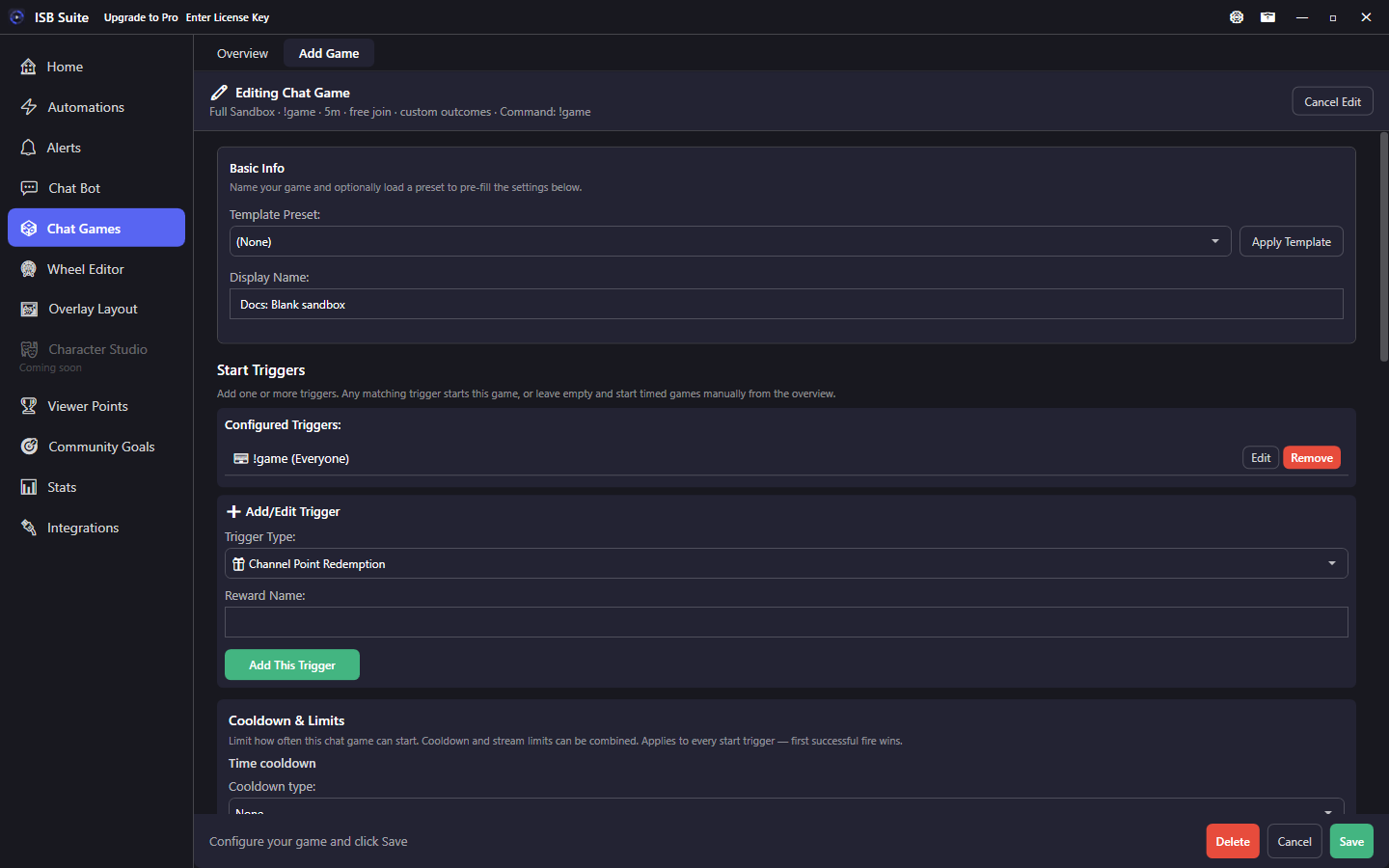
Blank sandbox
Timed free-join session you configure yourself.
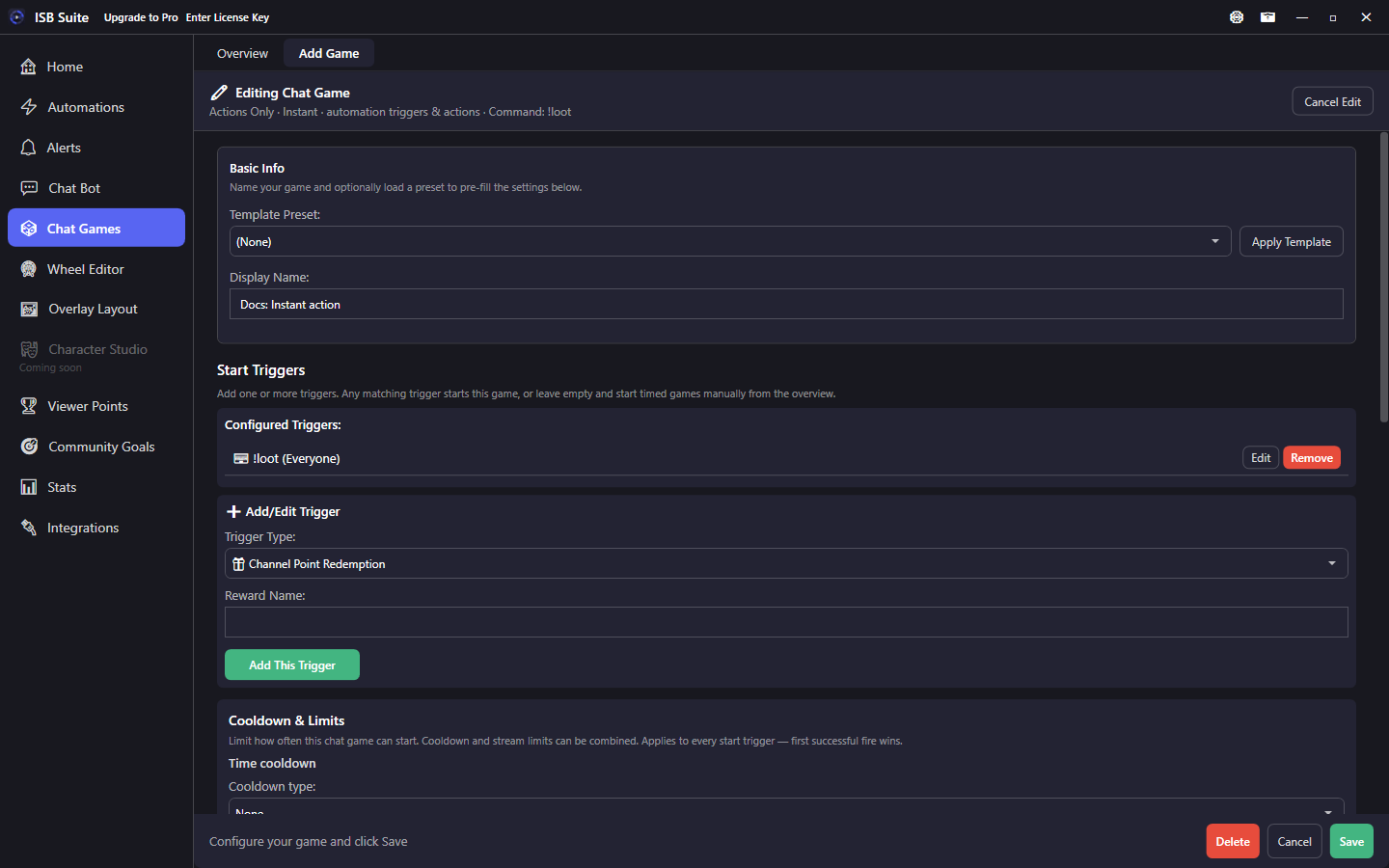
Instant action
No session; fires through the automation engine.
Shared setup
Managed in the Chat Games tab. Each game is its own rule with the same trigger and action building blocks as Automations. Overview pages support name search and custom groups.
- Start triggers: chat command, channel points, and the same trigger types as Automations. Use these to open a timed session or fire an instant game.
- Join command name on timed games (viewers type this to enter the session).
- Chat messages for open, join confirmed, summary, and cancel (enable the ones you need).
- Countdown Warnings: reminder message plus remaining-time offsets; use
{timeLeft}. Offsets at or beyond session length are skipped. - Start Chat Command Advanced Settings: aliases, Match anywhere, optional Don't trigger from the broadcaster or linked bot, and permission. Cooldown and per-stream limits sit on the shared Start Triggers Cooldown & Limits card (applies to every start trigger).
Phases
Chain sounds, alerts, wheels, or other actions to these phases (not every preset uses every phase):
- Open - session starts and join becomes available.
- Join - a viewer successfully enters (stake taken when stakes are on).
- Resolve / When Session Ends - timed window closes and outcomes are calculated.
- Win and Lose - per-entrant outcome phases.
- No Winners - people joined but nobody won (for example Heist). Separate from When Session Ends.
- If No One Joins - path for empty sessions.
Phase Actions use the shared Actions editor (sound, chat, Run Alert, Timer, Randomized Action, and so on).
Stakes and payout
When a preset uses stakes, pick a stake counter (often your Viewer Points currency counter). Common modes:
- Variable stake: viewer supplies an amount (for example
!heist 50,!heist 1k,!heist 1m,!heist 50%, or!heist all).1kis 1,000 and1mis 1,000,000 with no space.allbets the balance, clamped to max stake when a max is set. A percent must sit inside min and max (it does not clamp). Turn off Allow all to reject the wordall;50%still works. - Fixed stake: every entrant pays the same fee into the pool.
- Win chance and payout multiplier: used when each entrant rolls independently (Heist / Solo Gamble).
- Resolution scope: each entrant vs a single winner drawn from the pool (Lottery).
- Payout mode: multiply the stake, or pay out / split the total pool. Heist can also share leftover loser stakes among winners without replacing the multiplier.
- Min entrants: optional floor before a timed game will resolve as a real draw.
Variables
Pool, stakes, winner lists, {roll}, and {outcome} are documented as tables on Message variables - Chat Games. Example Heist setup: Use cases.