
Home / Features / Chat Games / Percentile roll
Percentile roll
Roll a custom min-max (for example 1-100), map bands to Actions, and optionally use alternate outcome tables per viewer login.
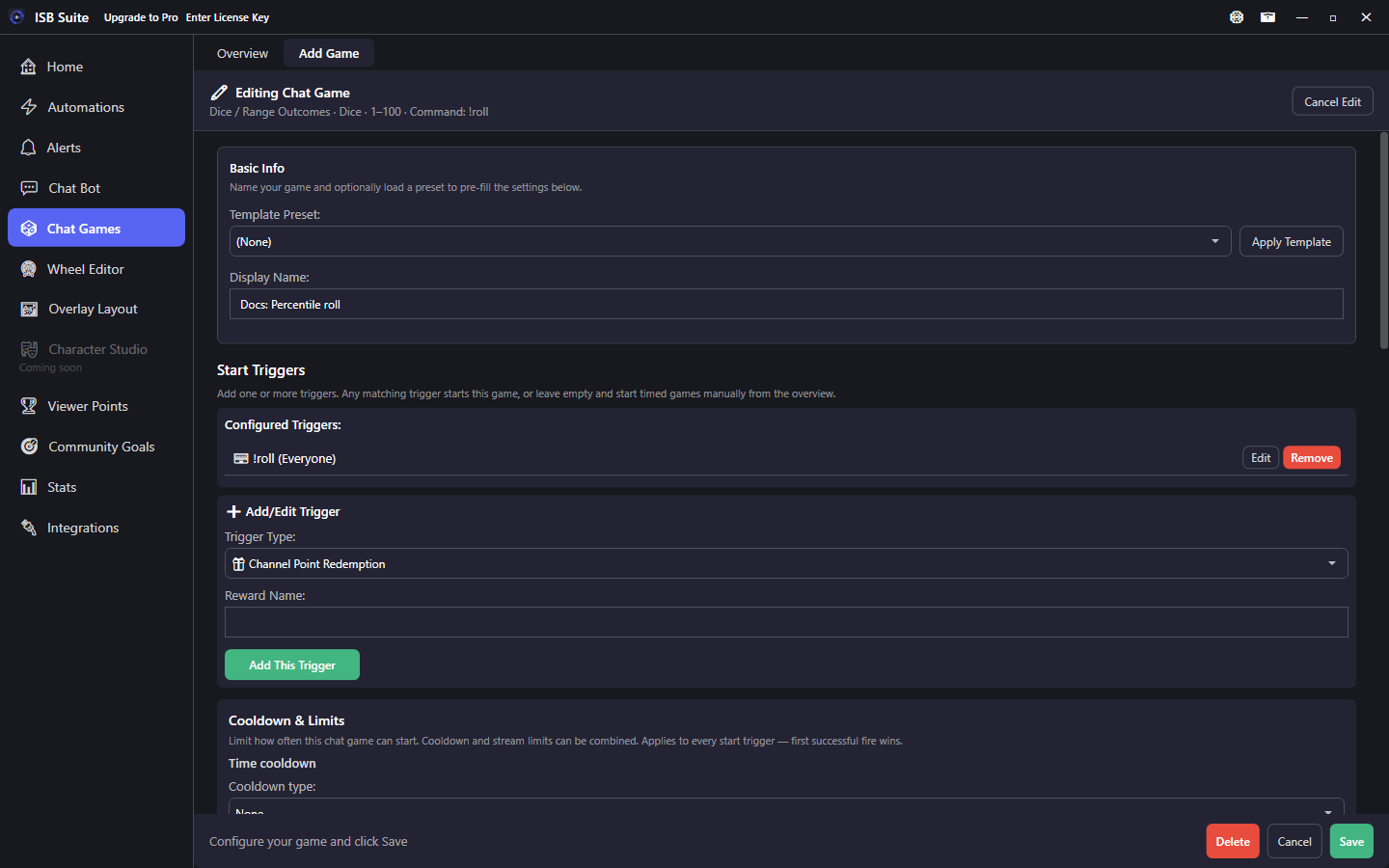
At a glance
- Preset: Percentile roll (dice / range outcomes).
- No stakes and no timed join window by default.
- Each band uses the full Actions editor.
- Tokens:
{roll},{outcome}. - Outcome profiles: Default table or a copy for a specific Twitch login.
How it works
On fire, ISB Suite rolls once within your configured min-max, finds every matching outcome band on the active profile (overlapping ranges all run, in list order), and runs each band's Actions. All matches share the same {roll}; while a band runs, {outcome} is that band's name. Nested chains keep both tokens available. Full token table: Message variables - Chat Games.
This preset is for table-driven loot / crit systems - not for pooling stakes. Pair with channel points or a chat command as the start trigger.
Setup
- Create a Percentile roll from Chat Games presets.
- Pick start triggers (command, channel points, and so on).
- Set the die min-max (for example 1-100).
- Add bands that cover the full range without gaps you care about (for example 1-89 Normal, 90-100 Crit).
- On each band, enable Actions (chat, sound, alert, counters, Randomized Action, and so on).
- Set cooldowns and limits under the shared Start Triggers Cooldown & Limits card (Chat Command Advanced Settings holds aliases / permission only).
Options and bands
- Dice roll min / max: inclusive range for the roll.
- Outcome band: name, min, max, and its own Actions list.
- Band names become
{outcome}in templates (for example Normal, Crit). - Cover the whole die range. Overlapping bands are intentional layers (for example a 1-77 counter plus a 1-76 regular table); every match runs on that one roll.
- Stakes / timed session are usually off; add Counter Action inside a band if a roll should spend or grant points.
Outcome profiles
Use the Outcome profile dropdown for the Default table, or duplicate it for a specific Twitch login so that viewer gets a different band table. Runtime picks the username profile when present, otherwise Default.
- Good for VIP / staff softer fail tables, or a harsher "hard mode" login.
- Keep band names consistent across profiles if you reuse the same chat templates.
Use cases
- d100 loot - Channel points -> bands for common / rare / jackpot with different Run Alert designs.
- VIP table - Alternate profile for a VIP login with softer fail bands.
- Crit only hype - Crit band runs Randomized Action + sound; Normal band is chat-only.
- Counter tax - Each band includes Counter Action Change by -cost so rolls spend currency without Chat Game stakes.
Related: Randomized Action, Instant action.