
Home / Features / Chat Games / Duel
Duel
PvP stake fight: challenge another chatter for an amount on a per-user counter. They accept or decline; a 50/50 roll transfers the stake from loser to winner.
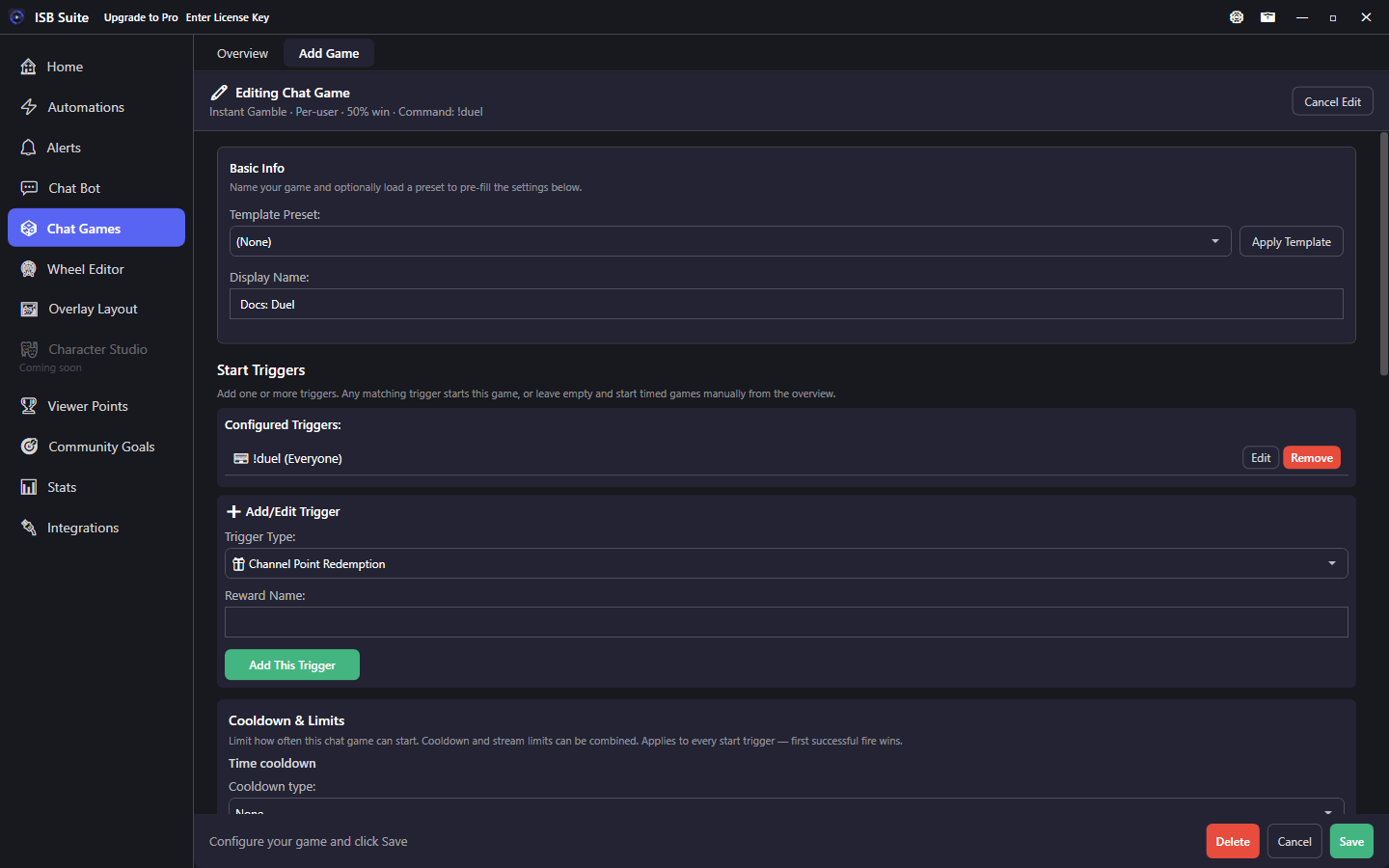
At a glance
- Preset: Duel.
- Commands:
!duel <user> <amount>(50,1k,1m,50%, orall),!accept,!decline(configurable).allis the smaller spendable balance above the counter minimum, clamped to max stake. A percent is of the challenger's spendable balance; the opponent must be able to spend that much too. - Both viewers must afford the stake at challenge time and again on accept.
- Payout is a transfer of x (not a 2x pot).
- Accept timeout is adjustable (default 60 seconds).
- Related: Chat Games, variables.
How it works
- A viewer challenges with
!duel @OtherUser 100,1k,50%, orall(Twitch login or YouTube@handle; command names are editable). After!link, they cannot challenge their other identity.allstakes the smaller spendable balance above the counter minimum (clamped to max). A percent is of the challenger's spendable balance. - ISB Suite checks that both the challenger and the opponent have at least that amount on the chosen per-user counter. If either is short, chat gets a not-enough style error and no challenge is opened.
- The opponent types
!acceptor!declinebefore the timeout. A linked viewer can do that from either platform. Decline and timeout move no points. - On accept, balances are checked again. A fair 50/50 pick chooses the winner; the loser transfers x to the winner.
For a solo house bet with Win/Lose action phases, use Solo Gamble instead of Duel.
Setup
- Create a Duel from Chat Games (game type Duel).
- Pick the per-user counter used for stakes.
- Confirm challenge / accept / decline commands and Advanced Settings on each.
- Set the accept timeout (default 60 seconds) and optional min/max stake.
- Tune chat templates for challenge, result, decline, timeout, and opponent-not-enough.
Options
- Counter: required per-user counter for the stake transfer.
- Timeout: how long the opponent has to accept (default 60s).
- Min/max stake: optional limits on the challenged amount.
- Messages: challenge, result (
{winner}/{loser}/{amount}), decline, timeout, opponent not enough.
Use cases
- Points rivalry - Viewers stake currency against each other mid-stream.
- Short fuse - 30-60s timeout so open challenges do not linger.
- Soft economy - Min/max stake + command cooldowns keep transfers bounded.
Related: Solo Gamble, Heist (timed room).