
Home / Features / Chat Games / Solo Gamble
Solo Gamble
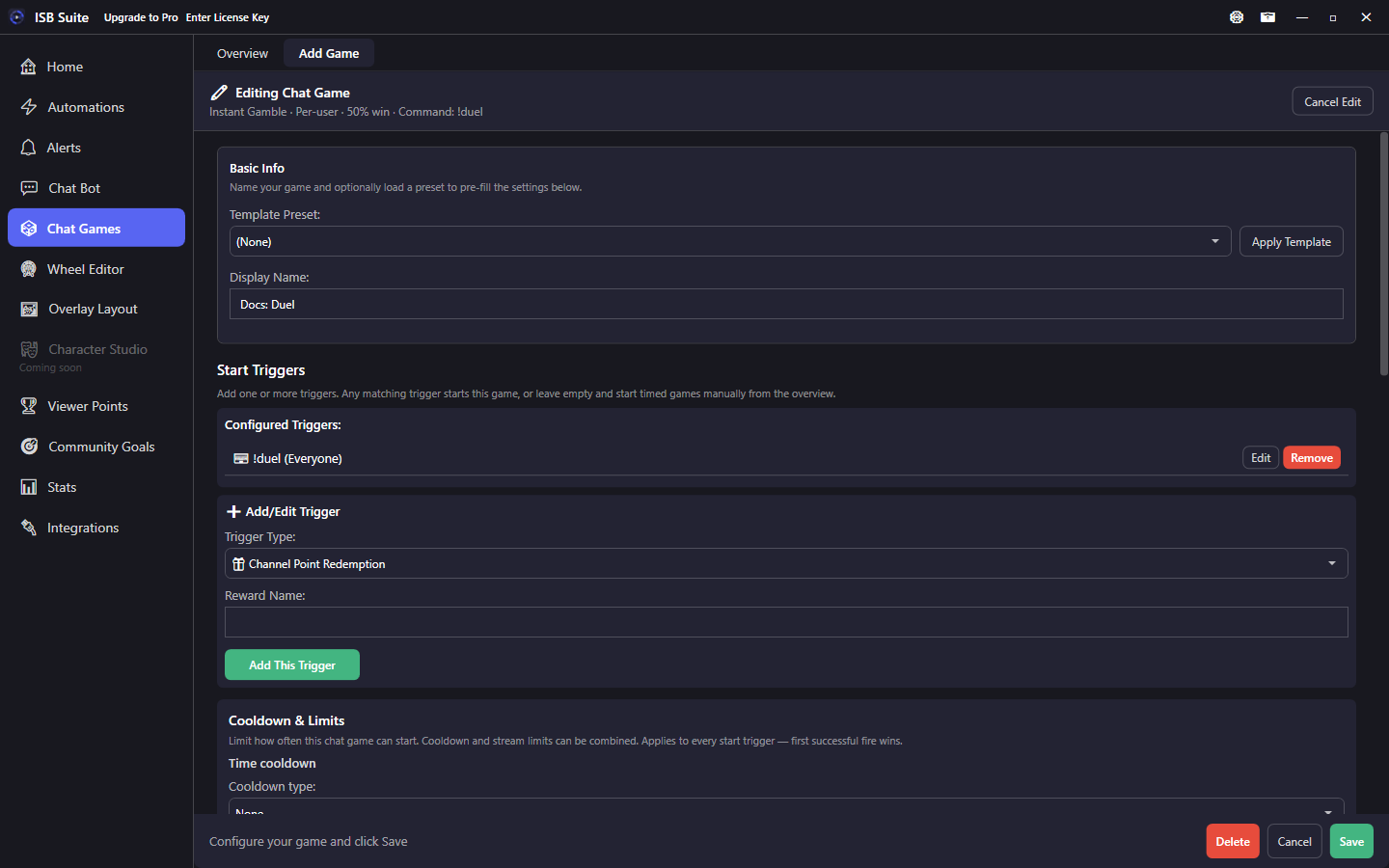
Instant per-user gamble: each trigger rolls win/lose for that viewer with separate Win and Lose action phases.
At a glance
How it works
Solo Gamble does not challenge another viewer. Each start trigger rolls win/lose for that viewer immediately, then runs the matching phase Actions. There is no open/summary session messaging unless you add your own Send Message Actions on Win/Lose.
Use Solo Gamble for per-viewer house bets. Use Duel when two viewers stake against each other.
Setup
- Create a Solo Gamble from Chat Games (game type Solo Gamble).
- Set win chance and payout multiplier as needed.
- Add start trigger(s) - often a chat command or channel points redeem.
- Enable Execute Actions on Win / Lose and configure those phase Actions.
- Set Advanced Settings on the start command so spam cannot drain the economy instantly.
Options
- Timed session: off - no join window.
- Win chance % and Payout multiplier: classic 50% / 2x math is a common starting point when you wire your own counter Actions.
- Execute Actions on Win / Lose: turn on the phase lists you care about.
Phases
- Win - per successful roll: hype sound, Run Alert, Counter Action, Send Message.
- Lose - per failed roll: soft chat, fail sting, or a consolation counter bump.
Use cases
- House coin flip - Start command rolls 50/50; Win phase credits a counter.
- Points redeem gamble - Channel points item opens a solo roll.
- Cooldown-gated spam - Short cooldown + once per viewer per stream.
Related: Duel (PvP), Instant action.