
Home / Features / Actions / Run Alert
Run Alert
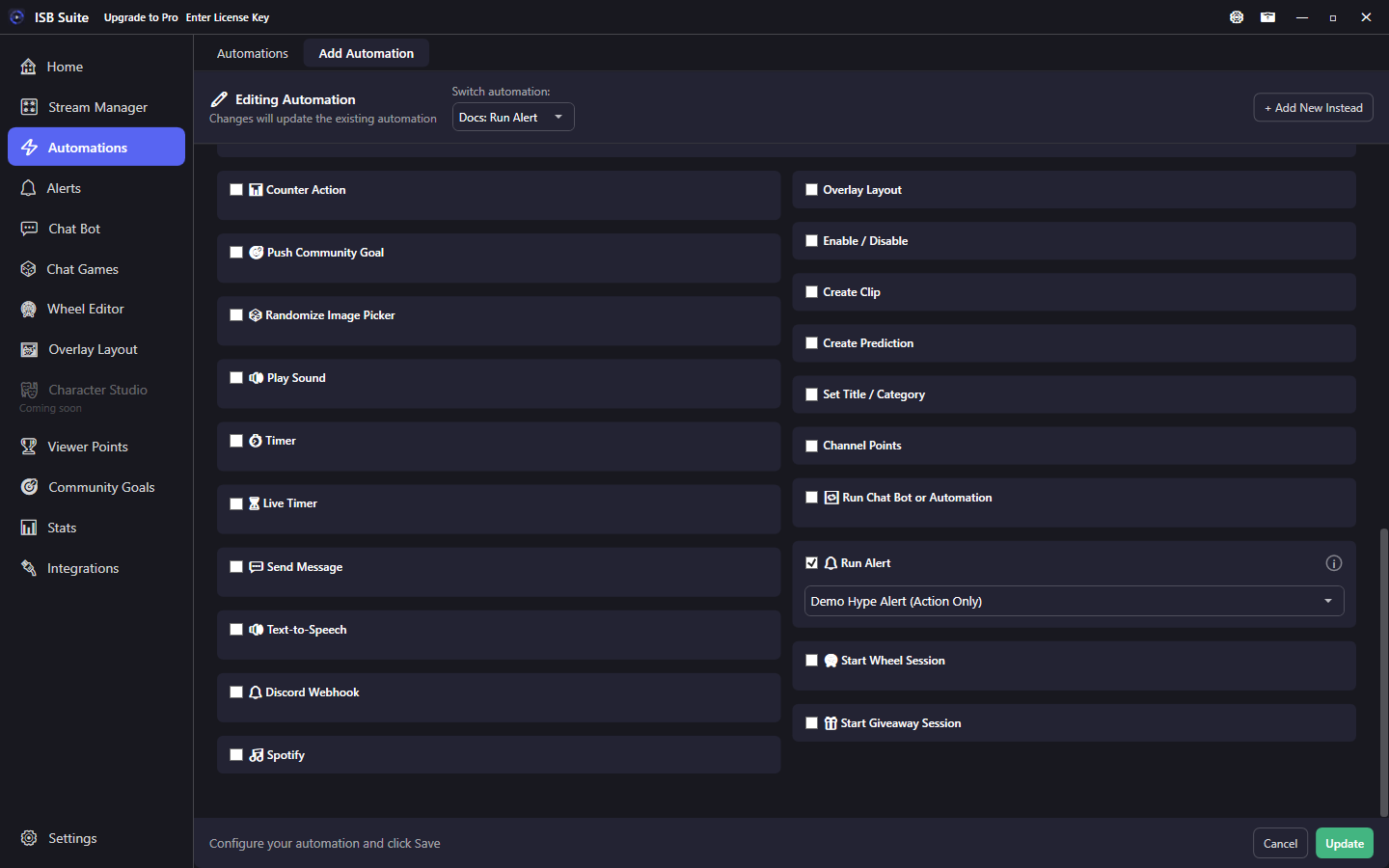
Play any alert designed on the Alerts page (built-in types, Custom Alerts, or Action Only) using the parent event context.
At a glance
- UI label: Run Alert.
- Target must be enabled; its own cooldown and limits still apply.
- Needs an Alert Box widget on the active overlay layout.
- Related: Alerts - Run Alert.
How it works
On fire, the chosen Alerts-page alert plays in the Alert Box with the parent rule's context ({user}, amounts, and so on). Appearance, GIF, TTS, and duration come from that alert's design - this action only selects which alert to run. The picker is the same searchable control used for Randomized Action sets and Run Chat Bot or Automation.
Setup
- Design or pick an alert on the Alerts page and leave it enabled.
- Put an Alert Box widget on the active Overlay Layout.
- Enable Run Alert and select the alert in the picker.
Action Only alerts
Action Only alerts have no Twitch event of their own. They only play when an Actions surface uses Run Alert - ideal for shop redeems, chat commands, and game outcomes that should reuse a polished alert without creating a duplicate event-driven alert rule.
Cooldown and limits
The target alert keeps its own cooldown and Free/Pro limits. If the alert is disabled or locked, Run Alert does not play it. Turning a whole alert type off on the Alerts overview also blocks Run Alert for those rules until you turn the type back on.
Examples
- Shop item "Hype Alert" -> Run Alert on an Action Only alert with custom GIF and
{user} redeemed Hype Alert!. - Chat game win phase -> Run Alert for a shared "Winner" design instead of rebuilding art on every game.