
Home / Features / Overlay Layout / Random Image Picker
Random Image Picker
Show one image from a Random Image Picker pool. Re-roll every bound widget with the Randomize Image Picker action.
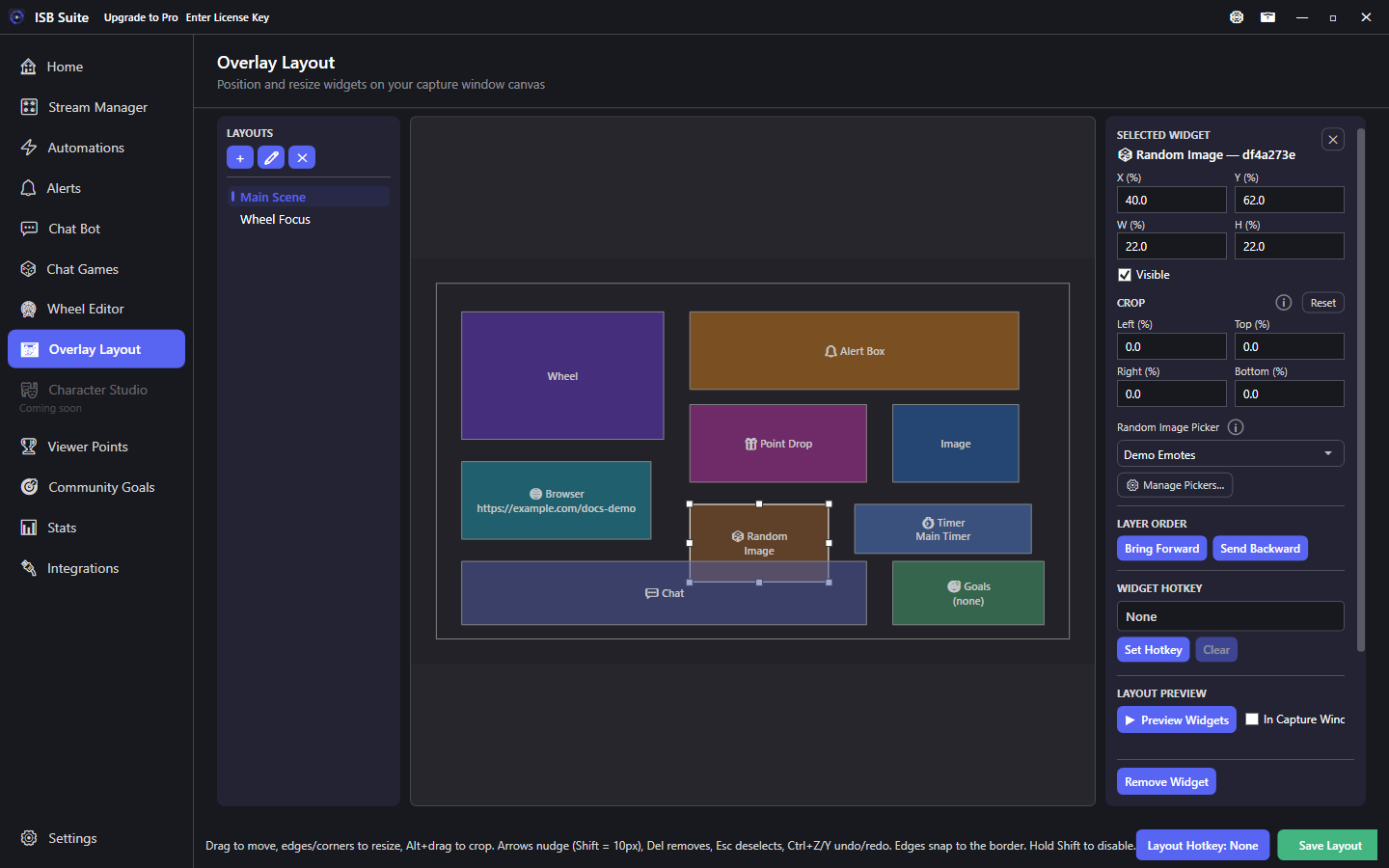
At a glance
- Widget: Random Image Picker.
- Bind to a picker created in the Random Images tool.
- Action: Randomize Image Picker.
- Multiple widgets can share one picker so a wall updates together.
How it works
Each widget binds to a picker (image pool). The widget shows the currently selected image for that picker. When a rule runs Randomize Image Picker, every widget bound to that picker re-rolls together.
This is the runtime display half of the Random Images tool - upload and manage pools there, place widgets here.
Setup
- Create a picker and add images with upload or From Library. See Media library.
- Add one or more Random Image Picker widgets and bind them to that picker.
- Size each widget where you want that slot on stream.
- On a rule (Automations, Chat Bot, shop, Chat Games), enable Randomize Image Picker for that picker.
- Test the redeem/command and confirm every bound widget updates.
Options
- Picker: which pool this widget displays.
- Transform / crop / visibility / hotkey / layer order: shared stage controls.
- Empty pools have nothing to show until you upload files.
- Binding the same picker to several widgets creates a synchronized wall.
Tips
- Use consistent image aspect ratios inside a pool so re-rolls do not jump layout.
- Pair with Play Sound / Run Alert on the same rule for a punchy re-roll moment.
- Prefer this over Static Image when the art should change from chat or redeems.
Use cases
- Emote wall - Three widgets, one Demo Emotes picker; channel points re-rolls all three.
- Character reveal - Single large widget; Chat Games Win phase randomizes the picker.
- BRB collage - Layout with only picker widgets for an idle screen.
Related: Randomize Image Picker action, Static Image.