
Home / Features / Actions / Push Community Goal
Push Community Goal
Add progress to a community goal when the rule fires. Use a fixed amount, or pull the amount from Bits / Chat Message Match.
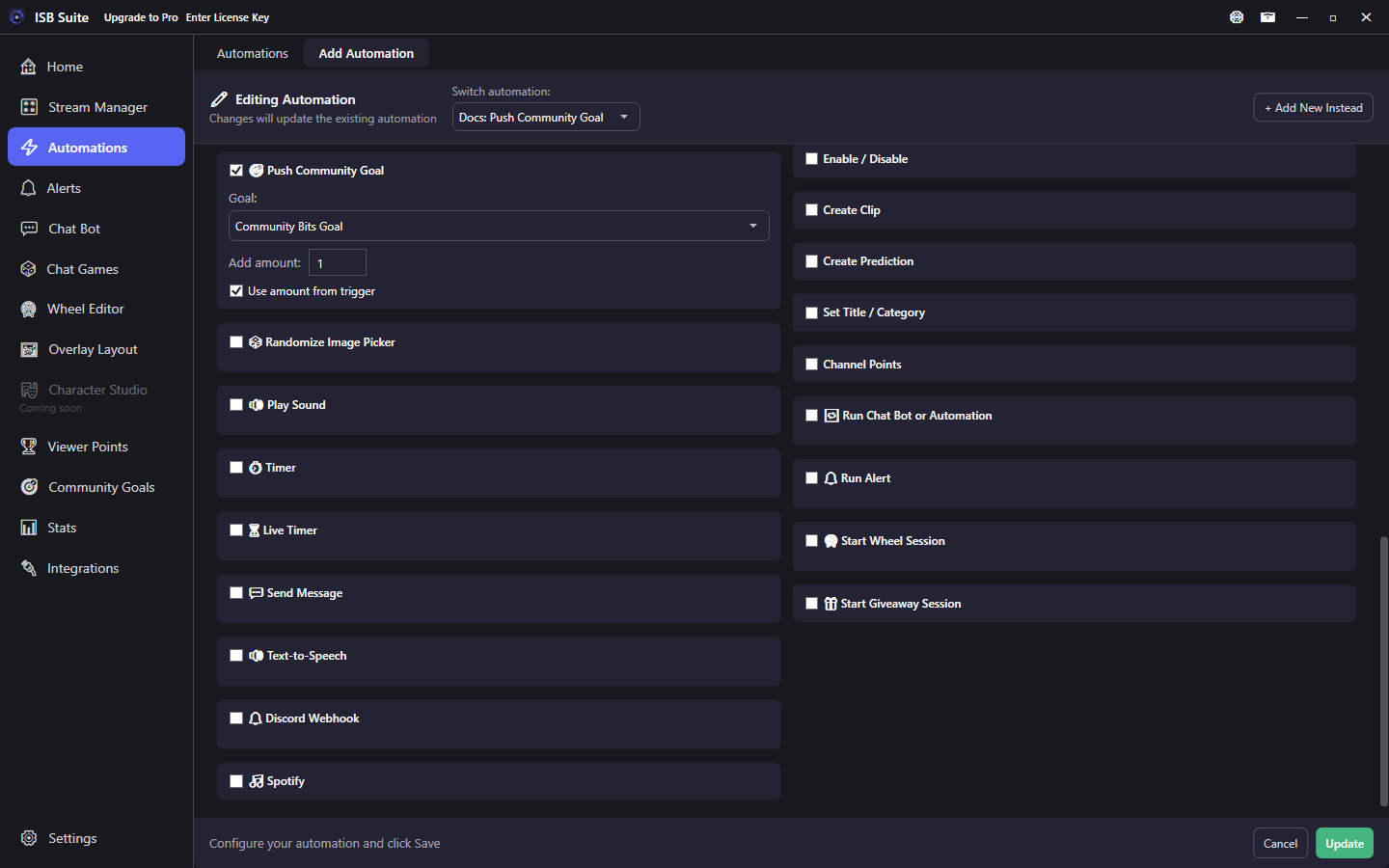
At a glance
- UI label: Push Community Goal.
- Use amount from trigger reads Bits cheer amount, Power-Up bits, or Chat Message Match
<amount>. - With Timer, goal progress still updates immediately.
- Related: Community Goals.
How it works
On fire, progress is added to the selected community goal. When the goal hits its limit, Community Goal Reached triggers can fire (and viewers can still use the goal check command). Goal definitions, check commands, and Chat Message accumulation modes live on the Community Goals page.
Setup
- Create or enable a goal on Community Goals (limit, check command, enabled).
- Enable Push Community Goal, pick the goal, set Add amount.
- For cheer-driven goals, enable Use amount from trigger on a Bits or Chat Message Match rule.
Use amount from trigger
When checked, the fixed Add amount is ignored and the action uses the amount from the trigger context:
- Bits / Cheer: the cheer amount.
- Power-Up: bits spent on the Power-Up.
- Chat Message Match: the number captured by
<amount>in the pattern (for example Blurp-style "used N bits" lines).
If the trigger has no amount, nothing useful is added - pair this checkbox only with those trigger types.
Examples
- Bits trigger -> Push Community Goal with Use amount from trigger (100 bits = 100 progress).
- Channel points "+10 to goal" -> fixed Add amount 10.